Agent Farmbeta Join early access

District II of XSeven things

Any project

One backlog per project, and the project can be anything.

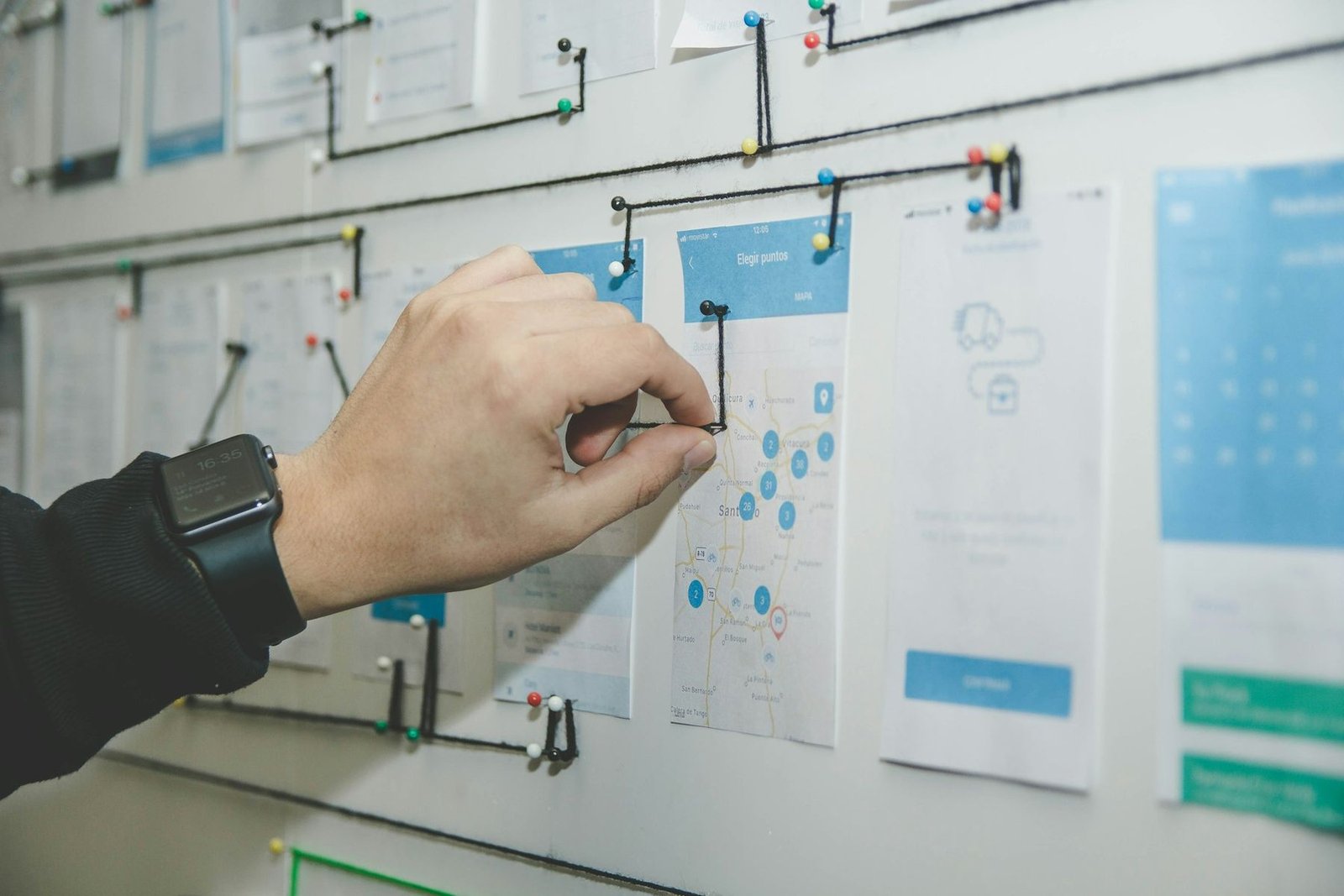
A hand pinning a card to a wall of plans and sketches

A project is not code. It is a pile of work, the decisions behind it, the people in it and what it costs, and it is all kept in plain files in a folder of your own, readable in Obsidian with nothing running. Every session started on it arrives knowing it, works off the top of your list, and writes back what it did, so the next one starts from there.

08 Backlog

Projects of any kind · the work list · the track

You write the work down. The fleet works it off.

An app, a documentary, a thesis, a campaign: every project has its own page, and the work waits in one plain Backlog.md file. You put it in order; agents take the top of it, item by item, and tick off what they finish. The Track tab remembers how each one was done.

ConsoleAgent Farm — ProjectsLive Timeline
Active 4

Agent Farm

1463 sessions · the relay chain is on it

This extension, built by its own agents.

73 open · 561 doneBacklog.md🧹 Tidy file order⚭ Gather families

Capture

what needs doing — no code needed, file it later
    • One line is enough. No code, no form. Ctrl+Alt+B takes a thought from anywhere in VS Code, and it is filed later, by you or by an agent sweeping.
    • The order is yours. Drag the queue. "Do the top five" means your top five, and anything waiting on an unfinished item is held back, with the reason shown.
    • Every session starts with what's next. The top of the queue rides in each session's brief, so a chain moves on to the next item with no paste and no lookup.
    • Big work comes in families. A whole and its parts, sized XS to XL. Below, one chain works through twelve parts, day and night.
    • Agents say what they wrote. #byAI is something an agent noticed and filed itself: a proposal. #byREQ is your thought, typed by an agent.
    • A plain file with a memory. Backlog.md opens in Obsidian and travels in git. The Track tab keeps which session, and which turn of it, worked each item, and what an agent tried that did not work, so the next one starts from there.
    II·1

    Any kind of project

    Software, a documentary series, a thesis, homework, an ad campaign. Same backlog, different work.

    Four kinds of project, one page

    What it solves

    Tools for agents assume the work is code. A documentary, a thesis or a campaign has the same trouble: a pile of work, decisions nobody should have to make twice, and agents that forget between sessions.

    How it works · pick a step

    If a project's folder goes missing, the project stays, with a warning and three answers: relink, recreate, ignore. Its sessions, cost and timeline keep working, and nothing is ever recreated silently.

    Settings · 2
    SettingDefaultWhat it does
    agentFarm.projectSkeletonthe shipped layoutYour own folder layout for new projects, for a vault with its own naming.
    agentFarm.projectsArchiveRootderivedWhere a finished project's folder moves when you archive it. Nothing moves until you confirm both paths, and Restore moves it back.
    II·1A project1 / 5
    II·2

    Backlog

    Write a thought down in one line. The fleet works the list off in the order you set.

    The backlog, being worked

    What it solves

    A thought that needs a form is never written down. A list kept in a database is unreadable without the tool. And "do the top five" needs an order you set, not the order the lines happen to sit in.

    How it works · pick a step

    Ticking an item changes exactly one character of the file, and adds no date the tool does not own. Closed items are archived at the end of the same file, so a code is never issued twice. A duplicate code is flagged on its row and never corrected for you.

    II·2Capture1 / 5
    II·3

    Track

    How every closed item was closed: which session, which turn, what was tried first. The log can be rebuilt from the sessions.

    The Track tab, on demo items

    What it solves

    An item that was not finished leaves nothing behind, so the next agent tries again what the last one already tried. And three months later nobody can say which session fixed K-8, or how.

    How it works · pick a step

    Each item's card puts the size the backlog estimated beside the turns it really took, and the median for that size in this project, once there are enough sized items for a median worth quoting.

    II·3Every touch1 / 5
    II·4

    Project context

    Every session starts with a brief built from the project's charter, plan, backlog and worklog, so no agent starts cold.

    What every session starts with

    What it solves

    Every new session finds its way around the project by reading the folder, and pays for it in tokens. It guesses where the worklog is, and tries again what was dropped months ago.

    How it works · pick a step

    The brief is kept under 2,500 characters by shortening its lists, never by cutting its last part, which says where to write back. The full text is _AF/BRIEF.md in the project folder, readable by any session.

    Settings · 1
    SettingDefaultWhat it does
    agentFarm.projectContextExtraemptyOne line of your own added to every project's brief, such as where your own rules are.
    II·4Before the first message1 / 5
    II·5

    Handover letter

    Passing a project on? One letter says where everything is, what is open, and what was already tried.

    What it solves

    Handing a project over, to a colleague, to a new agent, or to yourself in three months, costs an afternoon of "where is…" and "did anyone try…".

    How it works · pick a step

    It is not a report. A report covers a period; the letter is a starting position, for whoever starts next.

    II·5What and where1 / 5
    II·6

    Portfolio

    Every project's phase and backlog on one screen.

    Four projects on one page

    What it solves

    With several projects at once, the question is which one is moving, which one has stalled, and which one nobody has touched for weeks, without opening each one to find out.

    How it works · pick a step

    The same question for agents is the Agents page: one row per agent, grouped by project, with how many days it has been quiet, its last 7 and 30 days of sessions and cost, and what is waiting for it.

    Settings · 1
    SettingDefaultWhat it does
    agentFarm.projectDigestDayoffThe weekday each open project's week is posted to Notices.
    II·6Every project1 / 5
    II·7

    Cost and analysis

    Weeks, rhythm, how long an item takes from open to closed, and where the money went.

    The project's tabs

    What it solves

    "What has this client cost?" and "how is this project actually worked?" are in the transcripts, but only if every session belongs to a project, and nobody files hundreds of sessions by hand.

    How it works · pick a step

    The Timeline tab joins everything the project touched: sessions, their turns, tasks, missions, commits, decisions and deliveries. A document event appears only with a date the document itself states; the page says so, so a missing row reads as a limit, not a loss.

    II·7One project each1 / 5

    Questions

    Does a project have to be software?

    No. A project with no code has no code roots, and that is all. Its backlog holds shots, chapters or posts instead of bugs, and its agents work them off the same way.

    Where is it all kept?

    In the project's folder, as plain Markdown files: the charter, the plan, the backlog and its log, the worklog, decisions and deliverables. Agent Farm keeps only a list of projects and which session belongs to which.

    Can I keep editing in Obsidian?

    Yes. Every write Agent Farm makes checks the file has not changed since it read it, and refuses rather than overwrite a save you made in between. A box you tick in Obsidian is picked up by the track. Any document opens where you like it: in VS Code, its preview, Obsidian or your own app.

    Do Codex and the other engines get the project brief?

    Yes, in their first prompt, since they have no system prompt channel. A Codex session you start yourself in a terminal is not told, and Agent Farm says so rather than typing into your terminal for you.

    I have months of sessions from before projects. What about them?

    Agent Farm proposes where each one belongs, with reasons you can check: it wrote these files, its folder's other sessions are filed here, its agent mostly works here. A close call is shown as one and left out of "select all". Nothing is filed until you approve it.

    What if I rename or move the folder?

    Renamed in Obsidian, it is recognised as the same project on the next rescan. Moved somewhere Agent Farm cannot find, the project stays with a warning and asks you to relink, recreate or ignore it.